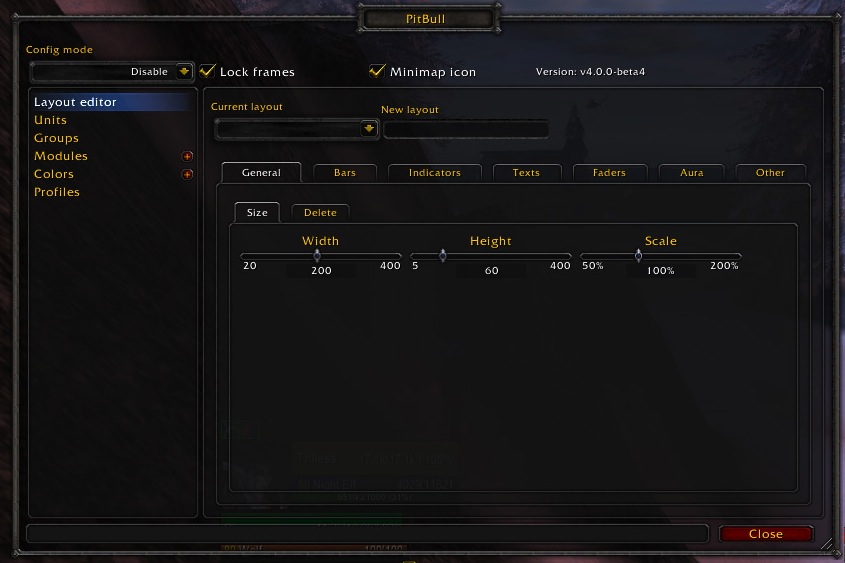
PitBull Unit Frames 4.0
PitBull Unit Frames 4.0
Woof. Arf. Yip.
Getting Started:
You can help translate PitBull for your language with the localization tool.
Classic
PitBull works with WoW Classic! Classic Era/Vanilla is supported in
v4.3.x-vanilla releases. Other Classic versions are supported in v4.2.x releases
(the same releases retail use).
Download
CurseForge: https://www.curseforge.com/wow/addons/pitbull-unit-frames-4-0
Wago: https://addons.wago.io/addons/pitbull4
WoWInterface: https://www.wowinterface.com/downloads/info20021


-
View User Profile
-
Send Message
Posted Oct 16, 2010-
View User Profile
-
Send Message
Posted Oct 16, 2010I've never used kgPanels, so really no idea, but I doubt it's anything we're doing.
-
View User Profile
-
Send Message
Posted Oct 16, 2010I use PitBull4_Groups_Party as the parent; maybe that will be more reliable for you. (Though I have the size set absolute, not as a percentage.)
-
View User Profile
-
Send Message
Posted Oct 15, 2010Hi, after the newest releases of both kgPanels and Pitbull, I'm having some trouble with frames that are parented to Pitbull 4 party frames. I'm not sure if this is an issue with PB4 or kgPanels so hopefully one author is able to recognise where the problem lies.
If I parent a panel to a party frame, for example PitBull4_Groups_PartyUnitButton1, and then set the panel's size values to a percent (I'm using 105.6% and 137%), the panel will successfully attach and move to the panel and fit itself to the correct size. However, if I log out and then back in again, the frame will never return unless I click the activate button every time I enter the game. This does not occur for anything other than the party frames and switching from a percentage size to a standard number fixes this.
It's a very specific problem so I understand it may be hard to fix and even then something you won't add until the next version of PB4 but it is rather annoying having to click specific gui buttons whenever I enter the game. I can provide more info if needed.
Edit: Just found that this also only occurs if the panel is anchored to the party frame, so it seems more likely kgPanels is the culprit here.
-
View User Profile
-
Send Message
Posted Oct 15, 2010Sorry, I mistyped. I was doing that from memory. I'm looking for the "Mini" and "Percent" to be in one text.
-
View User Profile
-
Send Message
Posted Oct 15, 2010-
View User Profile
-
Send Message
Posted Oct 15, 2010im new to pitbull and Ive heard great things, but when i click enable on the modules>portrait>enable i seem to be missing my characters 3d portrait? Any help here, thanks in advance :)
-
View User Profile
-
Send Message
Posted Oct 16, 2010-
View User Profile
-
Send Message
Posted Oct 15, 2010Thank you
-
View User Profile
-
Send Message
Posted Oct 15, 2010-
View User Profile
-
Send Message
Posted Oct 15, 2010Thank you this Unit frame addon is very good.
-
View User Profile
-
Send Message
Posted Oct 15, 2010Thanks!!!
-
View User Profile
-
Send Message
Posted Oct 15, 2010We are getting some sporadic reports of this, but thought we got the fix in last night.
-
View User Profile
-
Send Message
Posted Oct 15, 2010I have noticed a couple issues with the latest release. I'm not sure if it's because of omnicc or pb4. For one, the buffs are showing up above my player frame as well as in the top right hand corner. I don't want the ones in the top right.
Second, the buffs cannot be right clicked to remove them. I have made sure that click through is not enabled, but I still can't get rid of buffs in the event that I would need to.
Thanks
-
View User Profile
-
Send Message
Posted Oct 15, 2010Now... knowing that if you still want to turn the Blizzard ones off, go to /pb>Modules> Hide Blizzard Frames and make sure Buffs/Debuffs is checked.
-
View User Profile
-
Send Message
Posted Oct 15, 2010Pitbull4_HideBlizzard has been blocked from an action only available to the Blizzard UI.
....?
-
View User Profile
-
Send Message
Posted Oct 16, 2010-
View User Profile
-
Send Message
Posted Oct 15, 2010Because I just entered a random BG and got Warsong Gulch. Lo and behold, 10 man frames appeared.
Perhaps I'm used to Grid showing the correct layout as the leader changes raid options from 10 to 25, etc.. Going to test raid instances later to see if the problem is solved.
-
View User Profile
-
Send Message
Posted Oct 15, 2010Xperl+Grid convert here. I spent a good amount of time setting up raid frames for 10 man, 25 man, and 40 man raids using new layouts for each one as I wanted specific sizes and features to show for each. Your wowace guide and faq helped immensely.
However, I cannot get raid frames to show up for any raid size. I filtered each layout for the corresponding raid size. Made sure hiding blizzard frames was checked. Also turned off all mods except for Pitbull. Still no raid frames showing. This was testing using only 1 other person to join party and convert to raid.
Am I missing something so obvious? Thanks in advance.
-
View User Profile
-
Send Message
Posted Oct 15, 2010I'm assuming you made a raid group(or 3 one for each size) since you mentioned the guides.
For your test are both of you in the same party (party 1)? if so move one person into another party group(party 2 for example). That should make your raid frames show up. (If you are both in the same party it considers it to be a "Raid 5" size.)
Please let me know if that doesn't work.